Certificate templates.
Ready in minutes.
Pick a design, type your own words right on the certificate, and download files that are ready to print. Nothing to install.
How it works
- Click any text
- Type your own words
- Download your files
- PNG
- JPG
- Since 2014
- making certificate templates
- 9,553
- certificates downloaded
- 500+
- designs ready to print
- 300 DPI
- print-ready PDF, PNG and JPG
A certificate for every occasion.
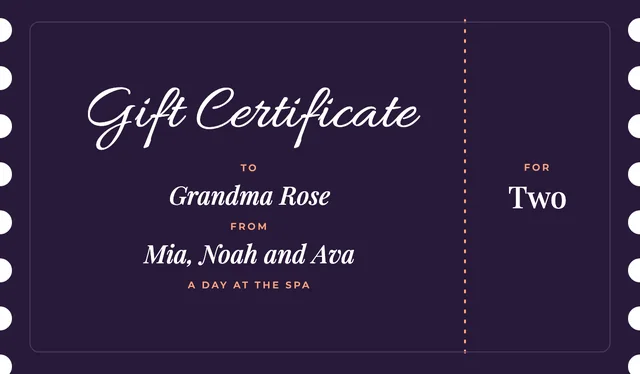
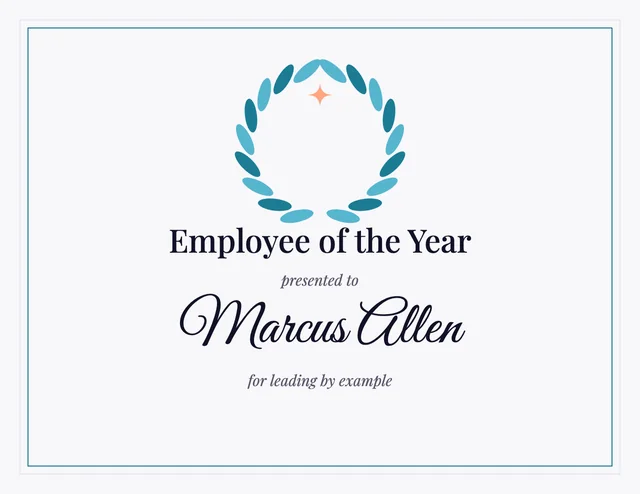
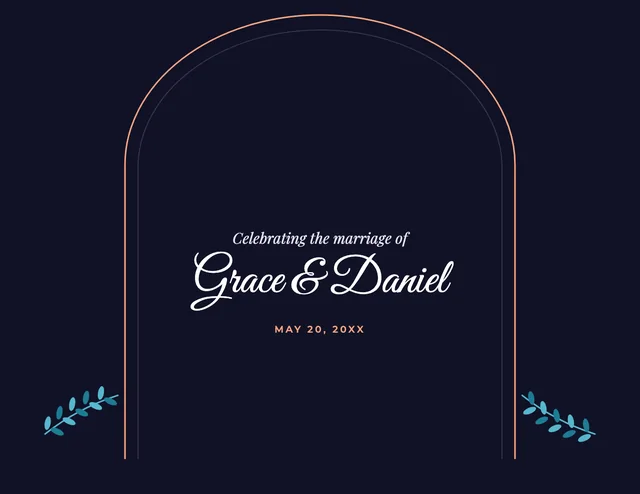
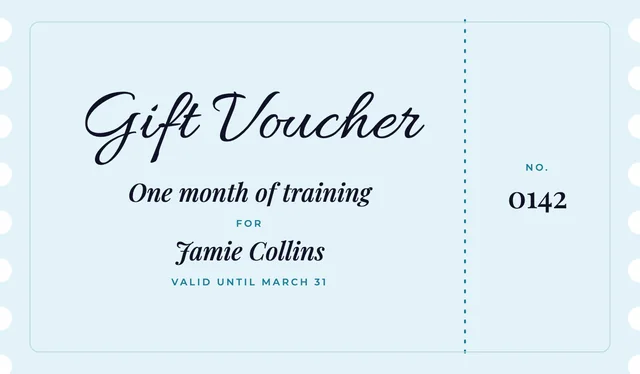
Awards for achievement, appreciation, school and sport. Gift certificates and vouchers for birthdays, anniversaries, Christmas and spa days. Keepsakes for a wedding or a new baby.
The editor
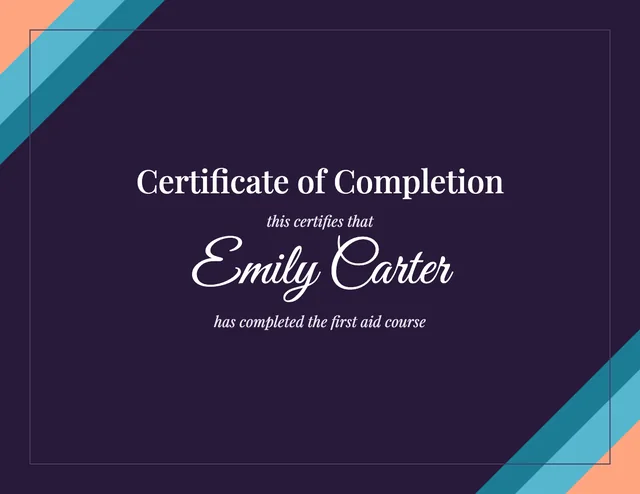
Type right on the certificate.
Click any wording and type over it. Make it bigger or smaller, or drag it where you want it. There is no form to fill in and no program to open.
Pick a certificateAwards
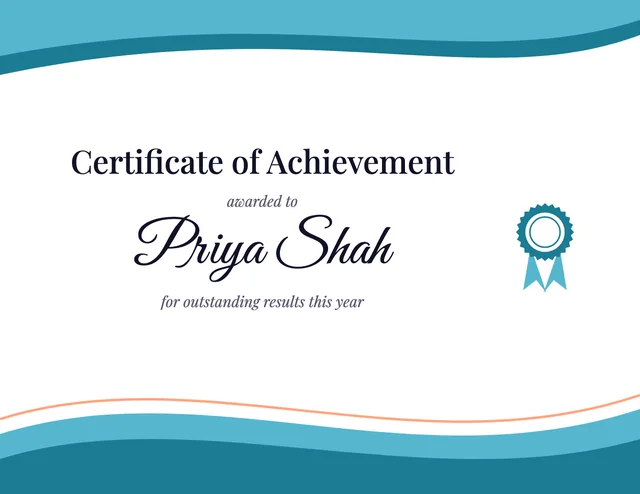
Awards people keep.
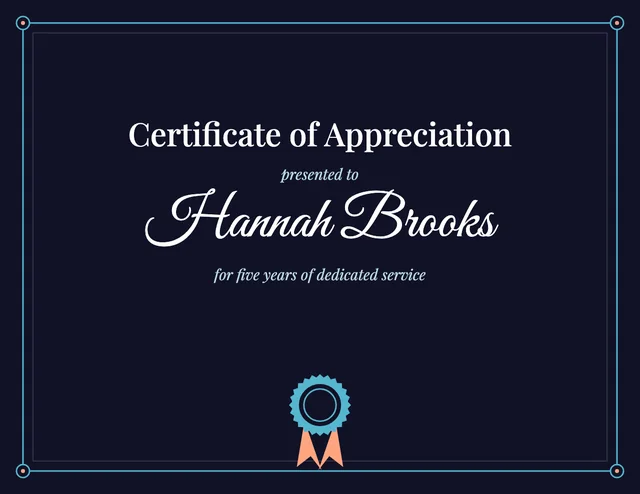
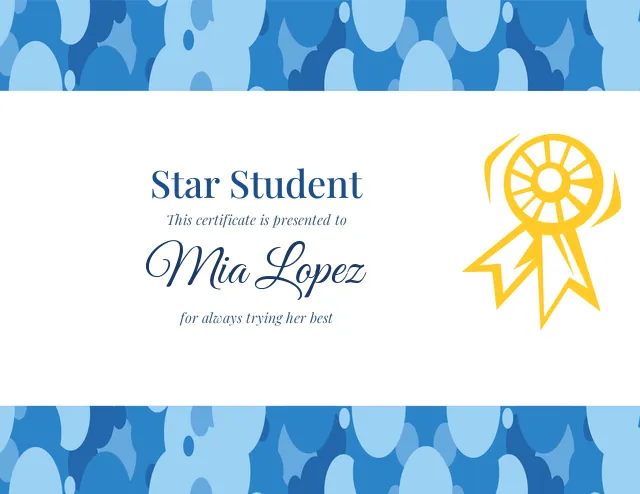
For the employee of the year, the star student, the most valuable player. Pick a design for work, school or sport, put in the name and the reason, and hand it over the same day.

Long names
Every name fits its line.
A long name shrinks by itself until it fits, and a short one stays large. You can still make any text bigger or smaller yourself.
Choose a designGift certificates and vouchers
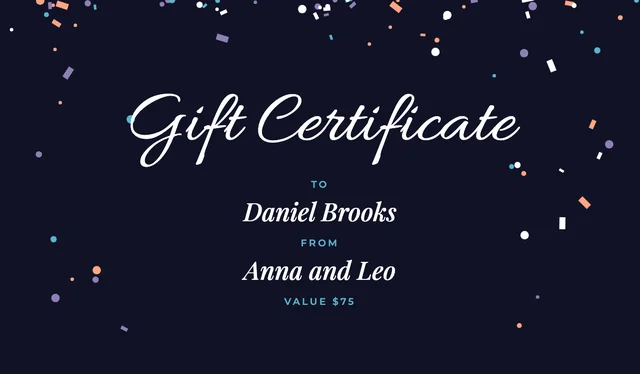
A gift on paper, ready today.
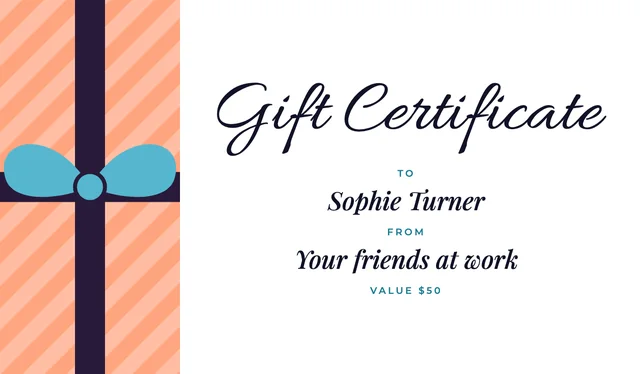
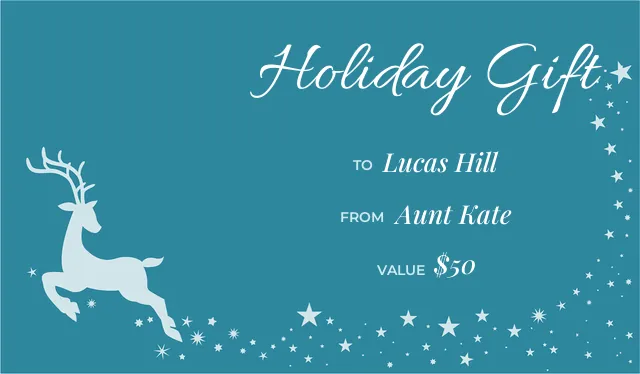
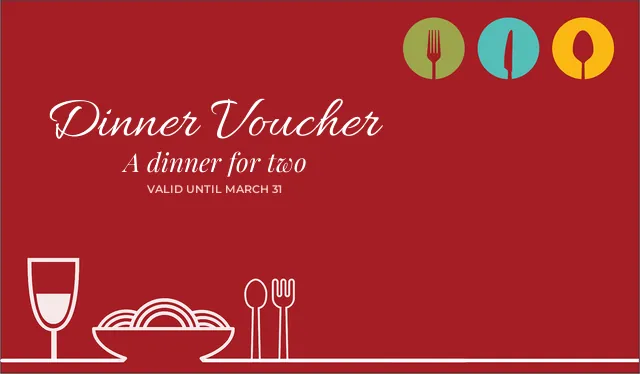
For birthdays, anniversaries and holidays, for a dinner, a spa day or store credit. Type who it is for, who it is from and what it is worth.
Print-ready
What you see is what prints.
Your files are made from the same layout you see on screen, at 300 DPI: a PDF for printing at home or from a print shop, and a PNG and a JPG to send by email or message. Every design’s artwork is checked to print sharp at its full size.
Browse certificatesMarriage and birth
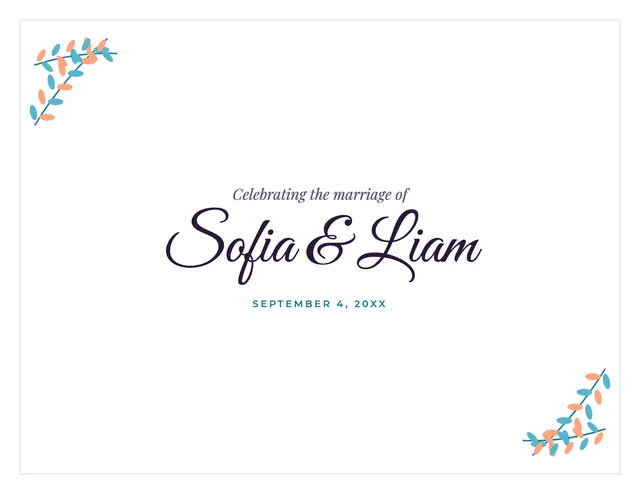
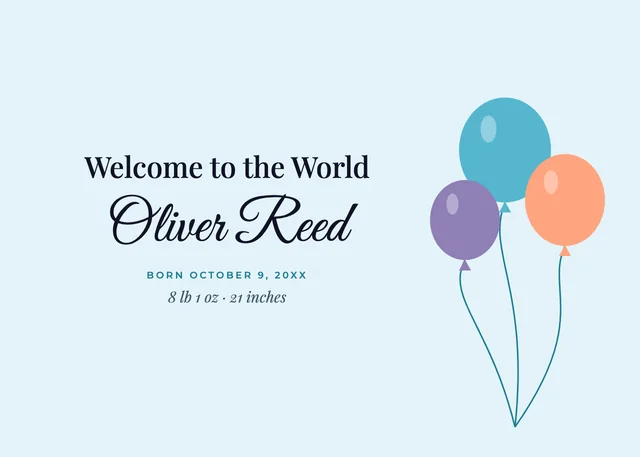
Keepsakes for the big days.
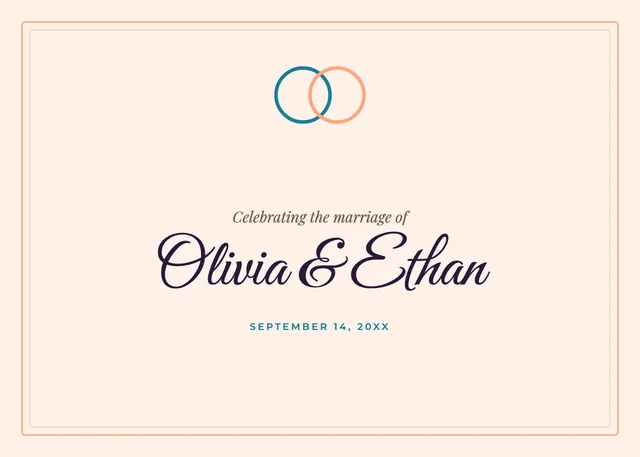
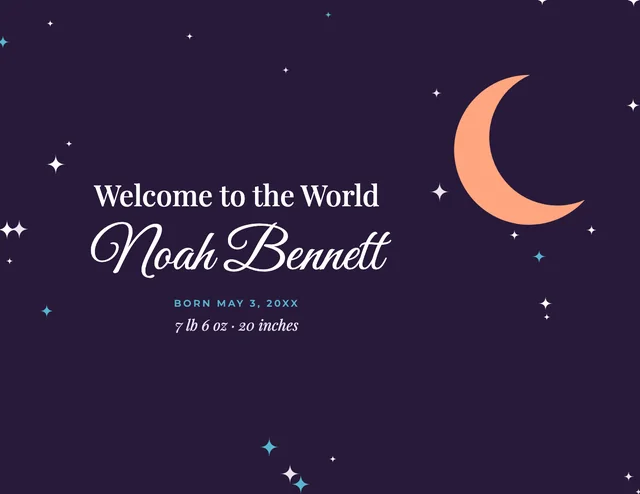
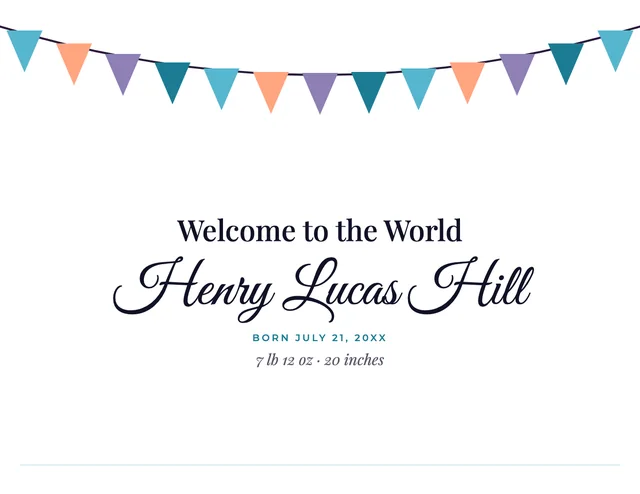
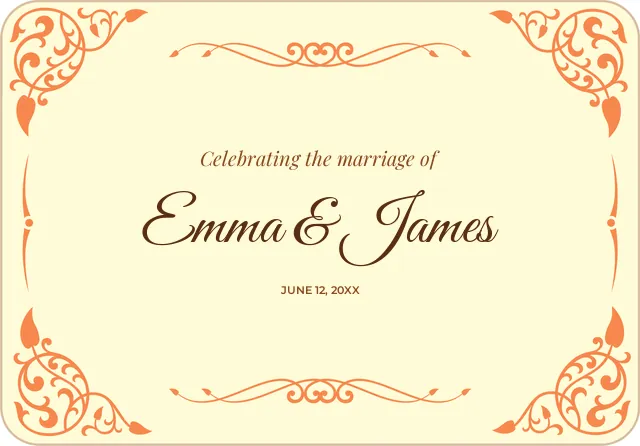
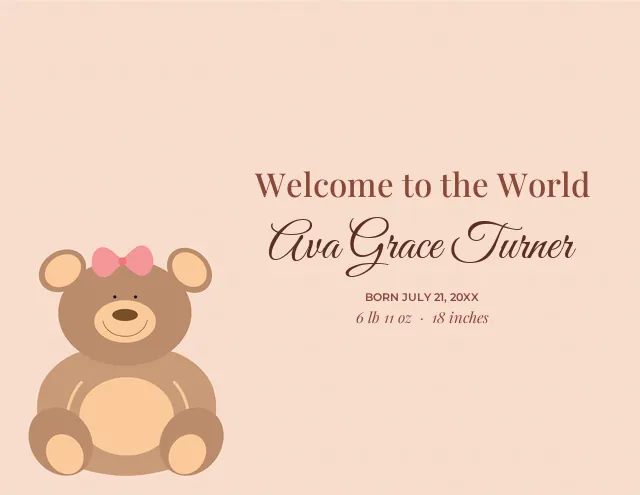
Mark a marriage certificate with the couple’s names and date, or welcome a new baby with a certificate you can frame or give to family.
My Certificates
Kept for you, ready to print again.
Sign in to download a certificate you made. Your files stay there for as long as you have your account.
Open My CertificatesGood to know.
For teachers, coaches and managers, for shops and restaurants, and for families.
- Nothing to install
- It all happens on the page, in your browser. There is no program to open.
- Print at home or at a shop
- Plain paper works and card paper feels better. The PDF is the right size for either.
- The size is on every design
- Each design shows its page size, and any list of designs can be narrowed to the size you need.
- Checked for print
- No artwork is stretched past what prints sharp. A design that falls short is redone or left out.
Questions before you print.
Short answers to what people ask most.
No. You change the wording on the certificate itself, on this site, and download finished files.
Yes. Open the PDF and print it at full size on plain or card paper. A print shop can use the same file.
Open the PDF and print it at 100%, often called “actual size”, with “fit to page” switched off. Plain paper works. Card paper is heavier and feels more like a gift.
No. They are keepsakes to frame or to give. An official certificate comes only from the office that registers the marriage or the birth.
Yes. A certificate you buy stays in My Certificates, and you can download its files again whenever you sign in.
Make yours today.
Pick a design, put in the names, and print it before the day is out.
Browse certificates